Claude vs GPT-4 for Coding: Which One Actually Writes Better Code in 2026
Every few months someone publishes a benchmark showing one model beating another at coding tasks. The benchmarks are useful but they rarely match real-world experience. After using both Claude and GPT-4 extensively for actual development work, here is what I have found.
Where Claude Wins
Claude is better at understanding large codebases. When you paste in 500 lines of context and ask it to modify a specific function, Claude tends to preserve the existing code style and make targeted changes. GPT-4 is more likely to rewrite surrounding code unnecessarily.
Claude also handles long conversations better. In a back-and-forth debugging session, it maintains context more reliably. GPT-4 sometimes forgets earlier parts of the conversation and suggests fixes that contradict what you already tried.
For explaining code, Claude is clearer. Its explanations read more like a senior developer talking to a colleague than a textbook.
Where GPT-4 Wins
GPT-4 is better at generating boilerplate and scaffolding. If you need a complete Express API with authentication, database models, and tests, GPT-4 produces more complete initial output. Claude tends to be more conservative and asks clarifying questions.
GPT-4 also has an edge with less common languages and frameworks. Its training data seems broader, so it handles niche libraries and older codebases more confidently.
The function calling and tool use capabilities in GPT-4 are more mature, which matters if you are building AI-powered applications that need structured output.
The Honest Answer
For day-to-day coding assistance — debugging, refactoring, writing tests, understanding unfamiliar code — Claude is my preference. For generating new projects from scratch or working with unusual tech stacks, GPT-4 has a slight edge.
The real answer is that both are good enough that the difference matters less than how you prompt them. A well-structured prompt with clear context gets good results from either model.
If you are choosing one to pay for, try both free tiers first and see which one clicks with your workflow. The "best" model is the one that fits how you think.
Related Posts
Cursor vs Windsurf vs Kiro: AI Coding Agents Compared
A hands-on comparison of Cursor, Windsurf, and Kiro for real development work. Which AI coding editor wins for bug fixes, new features, refactoring, and learning new codebases.
Read more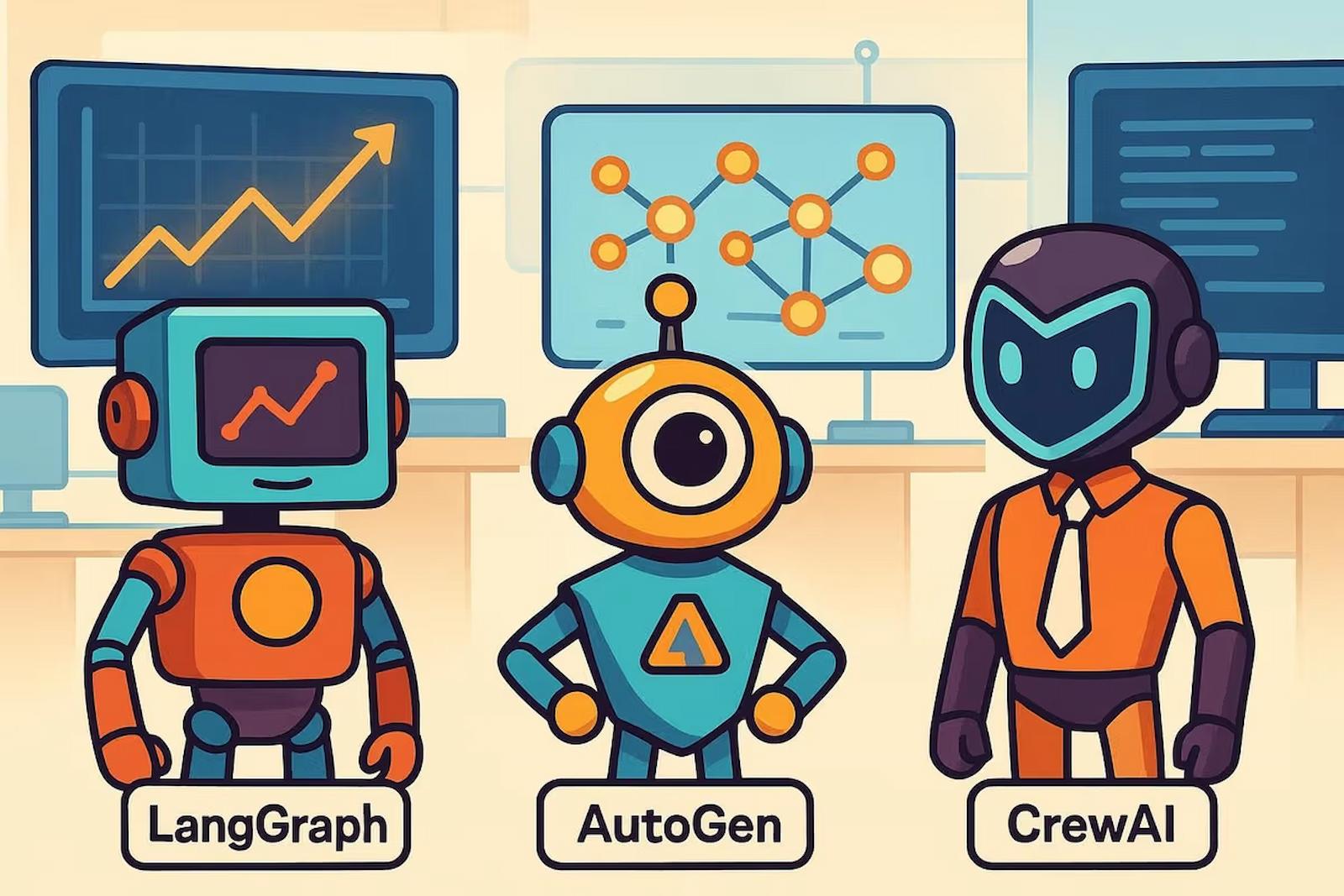
CrewAI vs AutoGen vs LangGraph: Which Multi-Agent Framework to Pick
A practical comparison of CrewAI, AutoGen, and LangGraph for building multi-agent AI systems. Code examples, strengths, weaknesses, and recommendations for each framework.
Read more
PicoClaw: Running a Full AI Agent on a $10 Board With 10MB of RAM
PicoClaw runs a complete AI agent on less than 10MB of RAM. Built in Go for embedded devices, it connects to cloud LLMs while consuming almost no local resources. Here is what it can do and where it falls short.
Read more