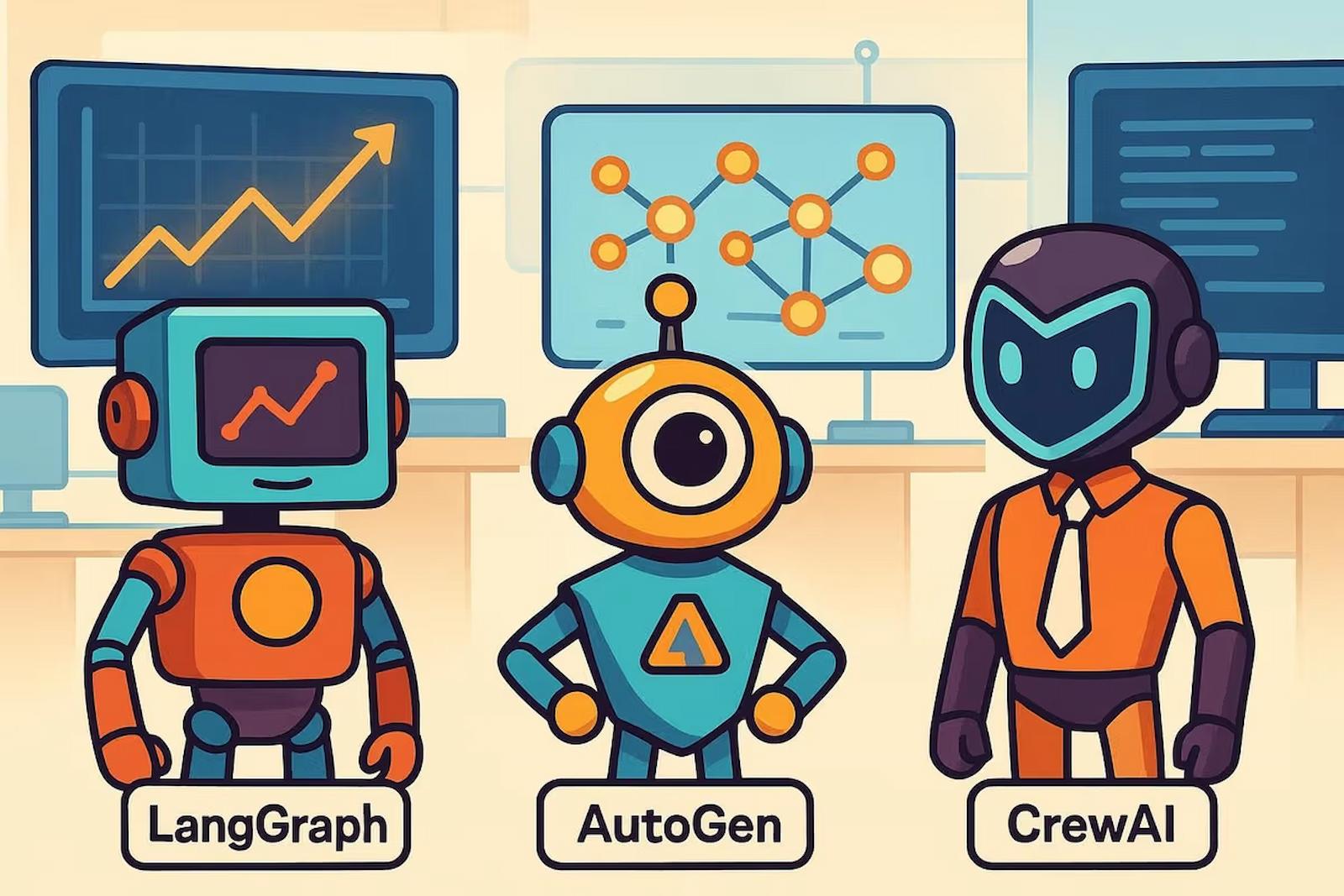
CrewAI vs AutoGen vs LangGraph: Which Multi-Agent Framework to Pick
You have decided to build a multi-agent system. Great. Now you need to pick a framework, and the three main contenders — CrewAI, AutoGen, and LangGraph — take fundamentally different approaches to the same problem. I have built projects with all three, and the right choice depends entirely on what you are building and how you think about agent orchestration.
CrewAI: The Role-Playing Framework
CrewAI thinks about multi-agent systems in terms of roles, goals, and tasks. You define agents with specific roles (like "Senior Researcher" or "Technical Writer"), give them goals, and assign them tasks. The framework handles the orchestration.
from crewai import Agent, Task, Crew

researcher = Agent(
    role='Senior AI Researcher',
    goal='Find the most relevant and recent information about {topic}',
    backstory='You are an experienced researcher who specializes in AI and technology trends.',
    tools=[search_tool, web_scraper],
    llm='claude-sonnet-4-20250514'
)

writer = Agent(
    role='Technical Blog Writer',
    goal='Write engaging, accurate blog posts based on research findings',
    backstory='You are a skilled technical writer who makes complex topics accessible.',
    tools=[],
    llm='claude-sonnet-4-20250514'
)

research_task = Task(
    description='Research the latest developments in {topic}',
    expected_output='A comprehensive research brief with key findings and sources',
    agent=researcher
)

writing_task = Task(
    description='Write a blog post based on the research brief',
    expected_output='A 1500-word blog post in markdown format',
    agent=writer,
    context=[research_task]
)

crew = Crew(
    agents=[researcher, writer],
    tasks=[research_task, writing_task],
    verbose=True
)

result = crew.kickoff(inputs={'topic': 'AI agents in 2026'})
What CrewAI Does Well
- Intuitive API. The role/goal/backstory pattern is easy to understand and maps naturally to how you think about team collaboration.
- Quick to prototype. You can have a working multi-agent system in 20 minutes.
- Built-in tool integration. Connecting agents to search engines, web scrapers, and file systems is straightforward.
- Good documentation. The docs are clear and full of examples.
Where CrewAI Falls Short
- Limited control flow. Complex branching logic, conditional execution, and error recovery are harder to implement.
- Debugging is painful. When something goes wrong in a multi-agent conversation, tracing the issue through the verbose logs is tedious.
- Opinionated about structure. If your use case does not fit the crew/agent/task model, you are fighting the framework.
AutoGen: The Conversation Framework
Microsoft's AutoGen models multi-agent systems as conversations between agents. Instead of assigning tasks, you set up agents that talk to each other, and the conversation itself drives the work forward.
from autogen import AssistantAgent, UserProxyAgent

researcher = AssistantAgent(
    name="researcher",
    system_message="""You are a research assistant. When given a topic,
    search for relevant information and present your findings clearly.
    Say TERMINATE when research is complete.""",
    llm_config={"model": "claude-sonnet-4-20250514"}
)

coder = AssistantAgent(
    name="coder",
    system_message="""You are a Python developer. Write clean, tested code
    based on requirements. Say TERMINATE when the code is complete.""",
    llm_config={"model": "claude-sonnet-4-20250514"}
)

user_proxy = UserProxyAgent(
    name="user_proxy",
    human_input_mode="NEVER",
    code_execution_config={"work_dir": "output"}
)

# Start a group chat
from autogen import GroupChat, GroupChatManager

group_chat = GroupChat(
    agents=[user_proxy, researcher, coder],
    messages=[],
    max_round=10
)

manager = GroupChatManager(groupchat=group_chat)
user_proxy.initiate_chat(manager, message="Research AI agent frameworks and write a comparison script")
What AutoGen Does Well
- Flexible conversation patterns. Agents can have complex back-and-forth discussions, ask each other questions, and iterate on solutions.
- Code execution built in. AutoGen can run code that agents generate, check the output, and let agents fix errors — a powerful feedback loop.
- Human-in-the-loop. Easy to insert human approval steps at any point in the conversation.
- Microsoft backing. Active development, good community, and enterprise support.
Where AutoGen Falls Short
- Conversations can spiral. Without careful termination conditions, agents will keep talking to each other indefinitely, burning through API credits.
- Harder to reason about. The conversational model is less predictable than task-based approaches. You cannot always predict which agent will speak next or what they will say.
- Setup complexity. The configuration options are extensive, which means more decisions upfront.
LangGraph: The Graph Framework
LangGraph from LangChain takes the most engineering-oriented approach. You define your multi-agent system as a state machine — nodes are agents or functions, edges define the flow between them, and state is passed explicitly through the graph.
from langgraph.graph import StateGraph, END
from typing import TypedDict, Annotated

class AgentState(TypedDict):
    topic: str
    research: str
    draft: str
    feedback: str
    final: str

def research_node(state: AgentState) -> AgentState:
    # Call research agent
    result = research_agent.invoke(state["topic"])
    return {"research": result}

def write_node(state: AgentState) -> AgentState:
    # Call writing agent with research context
    result = writing_agent.invoke(state["research"])
    return {"draft": result}

def review_node(state: AgentState) -> AgentState:
    # Call review agent
    result = review_agent.invoke(state["draft"])
    return {"feedback": result}

def should_revise(state: AgentState) -> str:
    if "approved" in state["feedback"].lower():
        return "publish"
    return "revise"

# Build the graph
workflow = StateGraph(AgentState)
workflow.add_node("research", research_node)
workflow.add_node("write", write_node)
workflow.add_node("review", review_node)

workflow.set_entry_point("research")
workflow.add_edge("research", "write")
workflow.add_edge("write", "review")
workflow.add_conditional_edges("review", should_revise, {
    "revise": "write",
    "publish": END
})

app = workflow.compile()
result = app.invoke({"topic": "AI agents in 2026"})
What LangGraph Does Well
- Full control over flow. Conditional branching, loops, parallel execution — you can model any workflow precisely.
- Explicit state management. You always know what data is available at each step. No hidden state, no surprises.
- Debugging is straightforward. The graph structure makes it easy to trace execution and identify where things went wrong.
- Production-ready. LangGraph is designed for deployment with built-in persistence, streaming, and error recovery.
Where LangGraph Falls Short
- Verbose. Simple workflows require more code than CrewAI or AutoGen. The explicitness that helps in production hurts in prototyping.
- Steeper learning curve. You need to understand state machines, graph theory, and the LangChain ecosystem.
- LangChain dependency. If you are not already in the LangChain ecosystem, adopting LangGraph means buying into their abstractions.
My Recommendation
- Pick CrewAI if you want to prototype quickly, your workflow is relatively linear, and you think in terms of team roles.
- Pick AutoGen if your agents need to have complex conversations, iterate on solutions, or execute code as part of their workflow.
- Pick LangGraph if you need precise control over execution flow, are building for production, or have complex conditional logic.
For most people starting out, I would say CrewAI first to learn the concepts, then LangGraph when you need production reliability. AutoGen fills a specific niche — conversational agent systems — and is the best choice when that is what you need.
Related Posts
Cursor vs Windsurf vs Kiro: AI Coding Agents Compared
A hands-on comparison of Cursor, Windsurf, and Kiro for real development work. Which AI coding editor wins for bug fixes, new features, refactoring, and learning new codebases.
Read more
PicoClaw: Running a Full AI Agent on a $10 Board With 10MB of RAM
PicoClaw runs a complete AI agent on less than 10MB of RAM. Built in Go for embedded devices, it connects to cloud LLMs while consuming almost no local resources. Here is what it can do and where it falls short.
Read more
The Best Free AI Models You Can Run Locally in 2026
A practical guide to the best open-source AI models you can run locally in 2026. Hardware requirements, model recommendations by task, and when local beats cloud.
Read more